
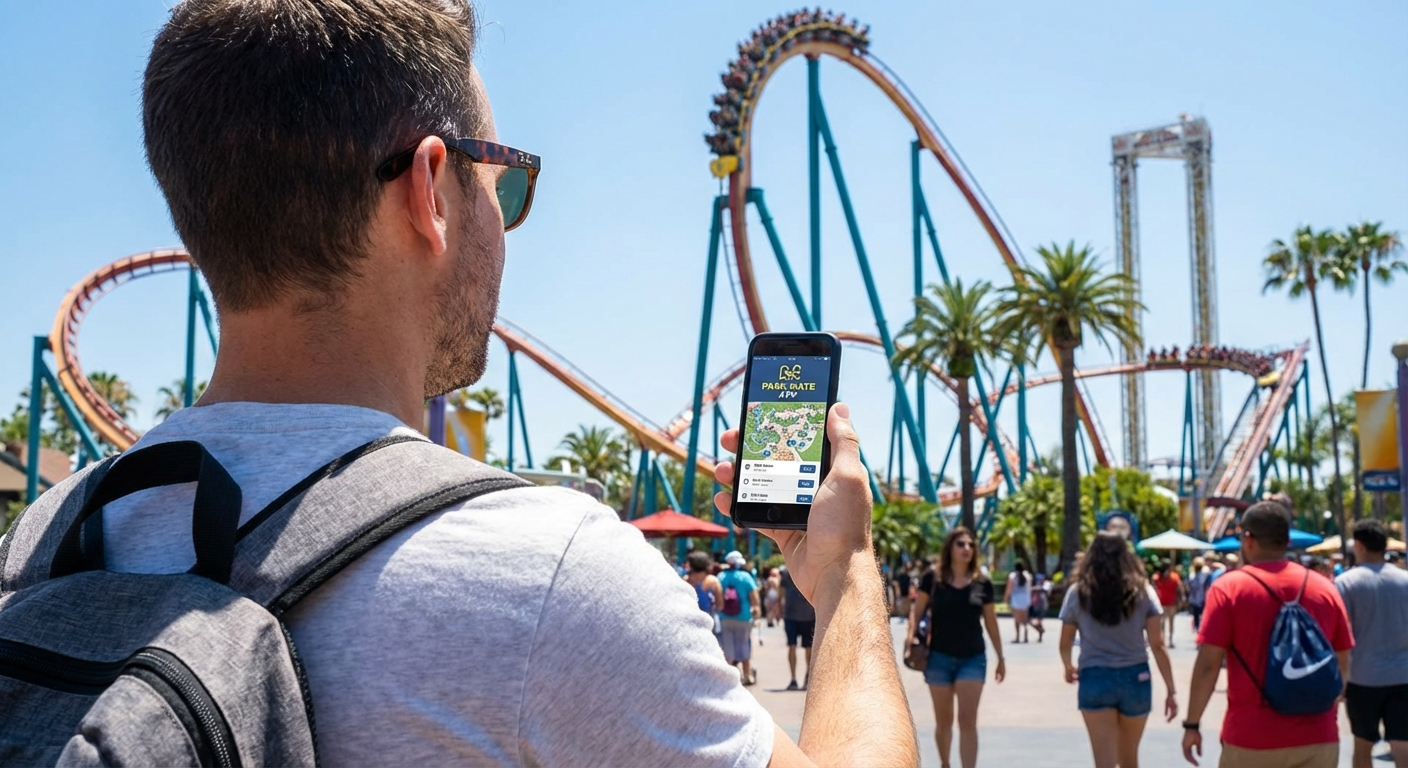
In 2026, a theme park is no longer visited with a paper map; It is managed from the palm of your hand. The mobile phone has become the most powerful tool to avoid lines, reserve food and not miss a single show. But what are the apps that really make a difference?
1. The Official Apps: The "Remote Control" of the Park
They are mandatory. Without them, you will be blind to last-minute changes or technical closures. Most large parks (Disney, Universal, PortAventura) require you to use them for:
- Real-time waiting times:The basis of any strategy.
- Fast Pass Management:like himDisney Premier Accessor theVirtual Linesfrom Universal.
- Mobile Ordering:Order your food from an attraction line and pick it up without waiting at the restaurant.
- Maps with GPS:Crucial for finding your way around massive resorts like Walt Disney World.
2. Queue-Times: The App for Those Who Hate Queues
If there is one app that experts love, it isQueue-Times.com. It not only gives you the current wait, but uses algorithms based on historical data to predict what will happen throughout the day.
🎟️ Are you looking for park tickets?We compare the best prices and offers available today.
See ticket offers on GetYourGuide →- Influx Predictions:Go on Monday or Tuesday? Queue-Times tells you.
- Waiting Charts:It shows you the exact time of day an attraction typically has its lowest queue point.
- Multi-park:Ideal if you are doing a road trip and want to compare several parks at the same time.
3. Logistics and Survival Apps
Not everything happens inside the park. For the day to really go well, you must also prepare transportation, data, language and battery.
Google Maps (with Offline Maps)
Many parks are in areas with patchy coverage. Download the map of the area (e.g. Marne-la-Vallée for Disney or Salou for PortAventura) so that the browser works perfectly even if you lose the data.
Holafly or Airalo (E-SIM)
If you are traveling to **Japan or the United States**, do not depend on the park's WiFi (which tends to be saturated). An E-SIM ensures you have stable 5G data to use the park app, which is vital for booking entry passes to areas like *Super Nintendo World*.
Google Translate (with AR Camera)
Essential in parks like **Fuji-Q Highland** in Japan or even **Europa-Park**. Use the camera feature to translate safety signs, menus or attraction instructions in real time.
4. Apps to avoid getting bored in queues
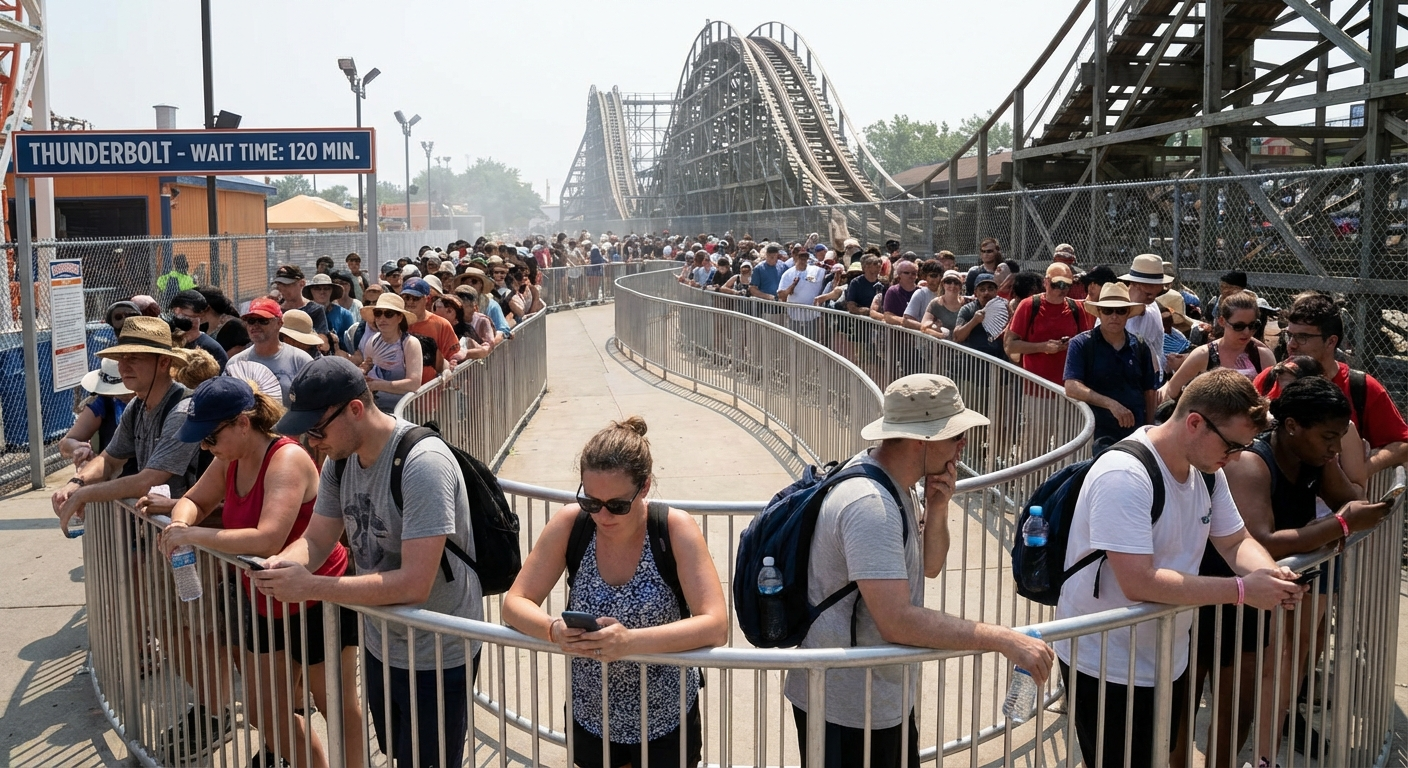
Even with the best strategy, you're going to wait in lines. Keep your spirits up with these options:
- Play Disney Parks:Transform Disneyland queues into interactive games that interact with the queue decor.
- Heads Up!:The classic word guessing game. You will see entire groups playing in the lines of Disney World; It's tradition.
- Kindle App:Ideal if you are alone or are one of those who enjoy a quiet time reading between adrenaline rushes.
Digital Strategy: How to configure your mobile
To make your smartphone an ally and not a burden, follow these steps the night before your visit:
- Energy Saving Mode:Activate it as soon as you walk through the door.
- Auto Brightness:Turn it off and set it to the lowest setting that allows you to read in the sun. Brightness is the number one battery killer.
- Notifications:Activate only those from the Park App (for Virtual Line announcements) and silence the rest.
- Screenshots:Take screenshots of your tickets, hotel reservations and show times. If the app crashes or you run out of data, you will have it in the gallery.
Which app opens first according to your situation
- Before traveling:Google Maps, park app and wallet with tickets
- Upon entering:official park app
- When you doubt waiting:Queue-Times or Touring Plans
- Abroad:eSIM and translator
Pro Analysis: The Mobile Phone in the Park
Advantages:
- Massive time savings in lines and food.
- Accurate information to make decisions on the go.
- Total paperless ticket and pass management.
Risks:
- Absolute dependence: If you run out of battery, you are "out of the game."
- Distraction: You can spend more time looking at the screen than enjoying the surroundings.
- Risk of theft or breakage on extreme attractions.
Frequently Asked Questions about Technology in Parks
In Disney and Universal parks it is quite good, but at peak times it can fail. In European parks like PortAventura or Warner, WiFi is usually spotty. We always recommend having your own data plan.
On most roller coasters it is **strictly prohibited**. Many parks use metal detectors to ensure you are not carrying loose items. Use the lockers; don't play it.
The park officer is usually the most reliable reference for live times, reservations and operational advisories. Tools like Queue-Times are very useful for predicting trends and organizing the day, but it is advisable to use them as support, not as the only source.
Yes, in many parks it is almost not optional anymore. Between maps, queues, photos, digital tickets and payments, the mobile works all day. A small external battery prevents you from being left without access just when you need it most.
It is best to combine several outings: refresh with mobile data instead of WiFi, check physical time panels, use downloaded maps and go to the park staff if you have a reservation or important incident. Don't depend 100% on a single app.
Yes, and quite a bit. Leaving apps downloaded, logging in, saving tickets, activating payment methods and preparing offline maps avoids many problems right when entering the park.